
Independent Driver guide
Follow these steps to join Chauffeurs & Services as an independent driver and receive your first rides.
Create your account
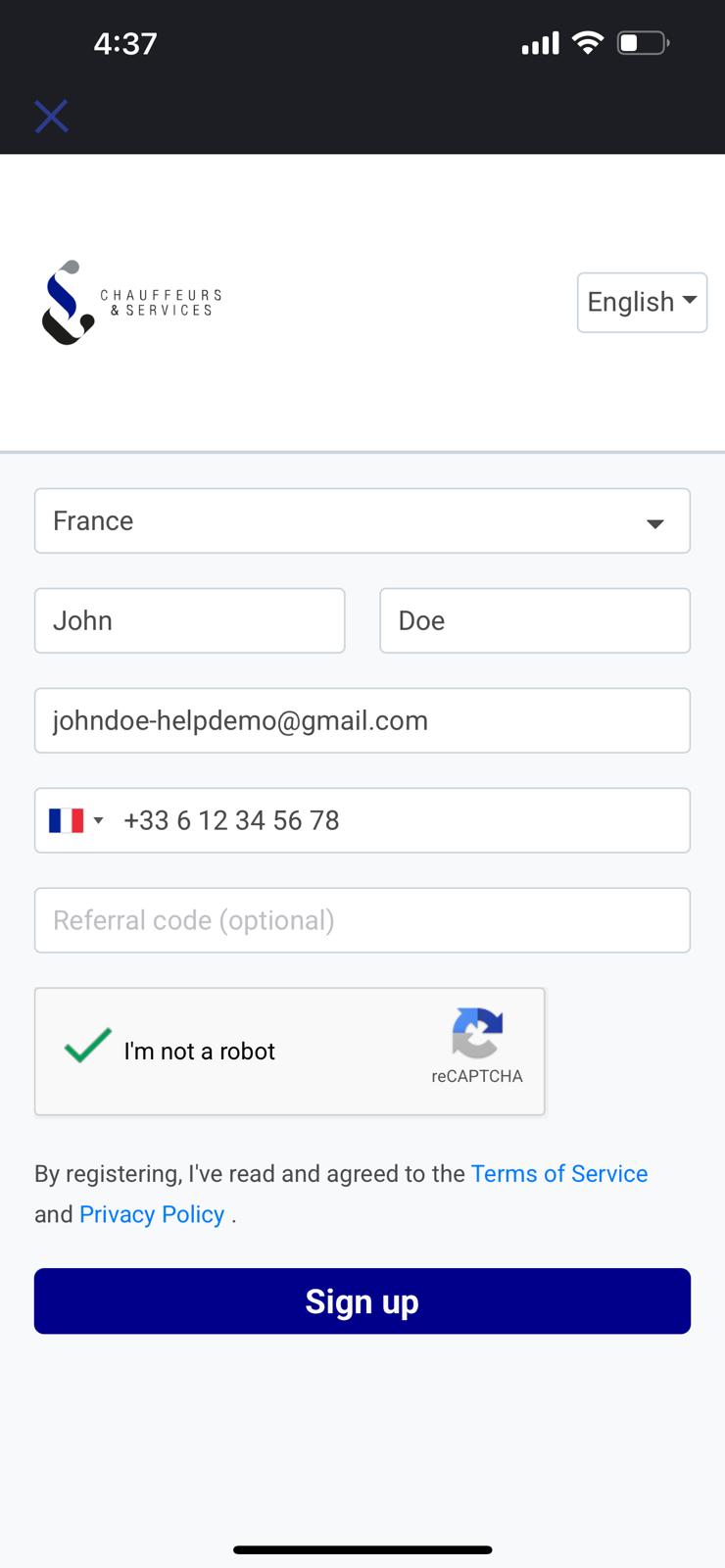
Sign up on the Partner Dashboard and choose the Independent Driver role. Enter your personal and company details.
Review and confirm your information
Check your contact, address and tax details, then click Confirm and Continue. Accurate information speeds up your approval.
Upload your documents
Upload the documents required for your country directly on the Dashboard:
- Driving licence, front and back
- Professional chauffeur card (VTC card or the local equivalent for your country)
- Vehicle insurance certificate and vehicle registration document
- Photo of the vehicle with the plate visible
- Your vehicle must be less than 4 years old, or less than 6 years for a Sprinter or a bus. We check this on the first registration date, not on the model year.
Important: Documents must be valid, sharp and readable. Blurry or expired documents are rejected, which delays your activation.
Complete the training and pass the test
Read the short training module on our service standards, then take the test:
- 25 multiple choice questions, 8 minutes
- 21 correct answers out of 25 required to pass
- The test allows a maximum of 2 attempts, and no second attempt if you score below 12 out of 25 on the first.
Sign your partnership contract
Sign the partnership contract electronically. A signed copy is sent to you by email right after.
Download the Driver app
Rides are received and managed in the Chauffeurs & Services Driver app, available on the App Store and Google Play.


Sign in to the Driver app
The app uses the same account as the Partner Dashboard. Sign in with the email address and password you created on partner.chauffeur-services.com.
Important: If the app answers that your account is not recognised, your driver profile is simply not linked yet. Contact us rather than creating a second account: a duplicate makes it harder to fix.
Finish your file on the Dashboard
Everything is completed on the Partner Dashboard, not in the app. As long as something is missing, the app shows Account pending activation, lists what is left and offers a button to open the Dashboard.
Application review
Your documents are checked automatically, usually within the hour and often in a few seconds. Your status changes from In review to Active, and ride offers start arriving.
Receive and run your rides
Once active, ride offers arrive directly in the app:
- Accept the offers that suit you, first come first served
- Press On the way when you leave for the pickup
- Share your position during the ride, it is required and keeps the client informed
- Welcome your passenger with a name sign at the agreed meeting point
Get paid
Your completed rides are paid by bank transfer at the end of each month. Make sure your bank details are filled in on your profile.
Our partner team answers 7 days a week at partners@chauffeur-services.com
We are reachable by email only. Phone and WhatsApp are reserved for chauffeurs with a ride in progress: calls about anything else cannot be handled.